
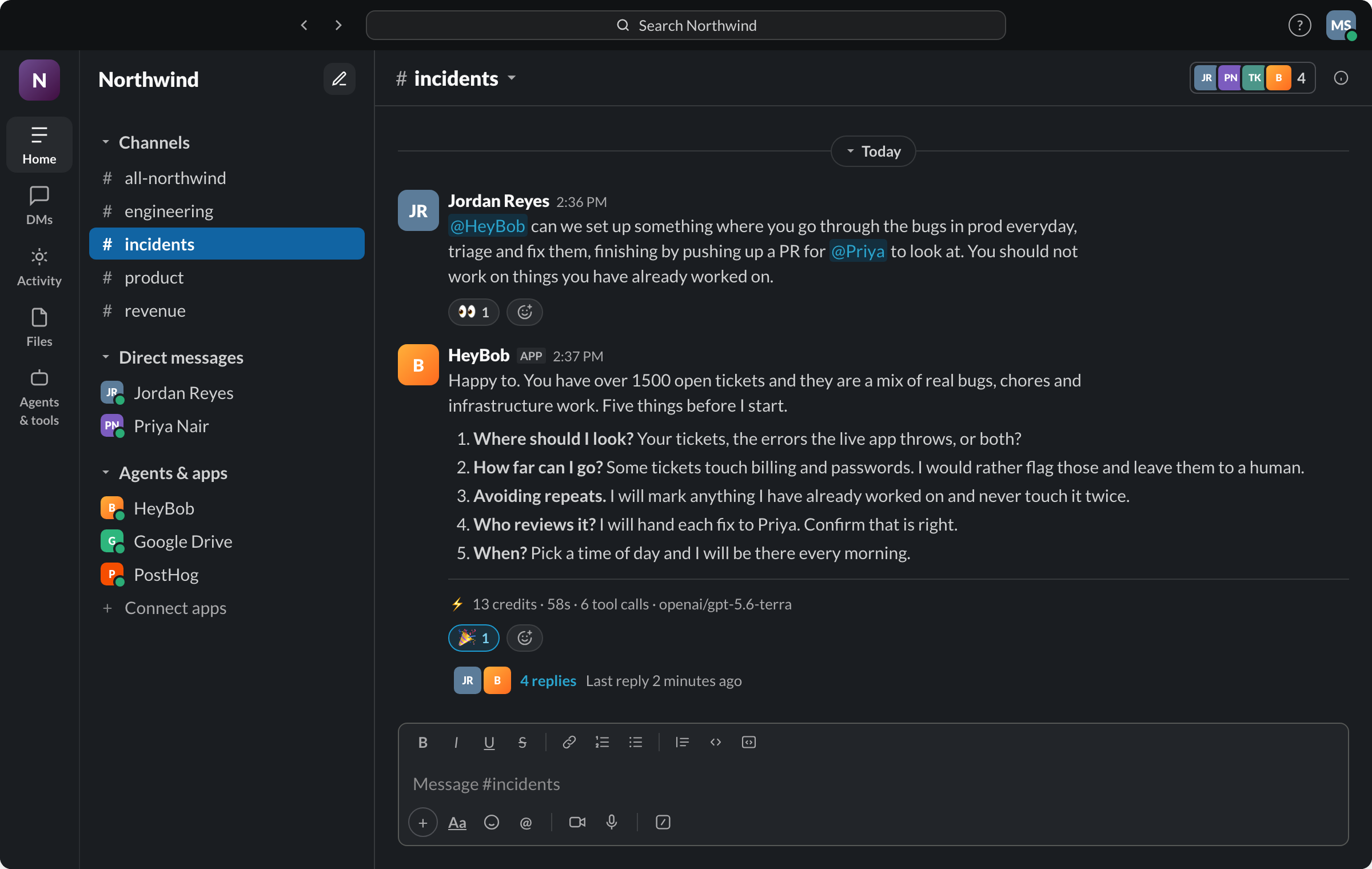
- Both connect an AI agent to your company's tools and finish real work, not just draft it.
- Coworker's home base is its own web app and chat interface, with Slack and Microsoft Teams as connected surfaces. Its Organizational Memory (OM1) automatically builds a knowledge graph across 50+ connected tools with zero configuration. Bob has nothing equivalent.
- Coworker prices per seat: $29.99/user/mo (Pro), $149.99/user/mo (Max), custom Enterprise. Nothing in its public docs meters or caps usage.
- Bob's home is Slack itself, or the HeyBob app for Mac, Windows and Linux for teams not on Slack, with Microsoft Teams coming soon, priced by usage with a receipt on every run and a hard workspace spend cap.
- Coworker documents VPC peering and on-premise or air-gapped deployment on its platform page; Bob is a managed service only.
What Coworker is
Coworker is an enterprise AI platform built around a chat interface and a web app (app.coworker.ai), with Slack and Microsoft Teams as connected surfaces for triggers and messages. It connects to 50+ native integrations, generates artifacts (decks, docs, dashboards, financial models, branded PDFs, interactive apps), and runs code in a cloud sandbox with multi-file edits. Its defining feature is Organizational Memory (OM1): a knowledge graph built automatically, with zero configuration, across every connected tool. Pricing is per seat: Pro at $29.99/user/month, Max at $149.99/user/month, and custom Enterprise pricing that adds REST API access and dedicated implementation.
What Bob is
Bob connects to 3,200+ apps and works across them from Slack or the HeyBob app for Mac, Windows and Linux, with Microsoft Teams coming soon. Every run executes in its own sandboxed cloud computer, external writes pause for an Approve/Deny button by default, and every completed task posts a compact receipt with total credits, duration, and tool-call count. Workspaces can set a hard monthly spend cap with a warning at 80%, reruns caused by Bob's mistakes are free.
What Bob connects to
An AI employee is only as useful as the systems it can reach. If the work lives in a tool Bob cannot open, you are back to copying and pasting, and the whole promise collapses. So the answer has to be boring and complete: Bob reaches 3,200+ apps, and connecting one takes a sentence in Slack and a sign-in.
Ask in the channel ("connect HubSpot"), Bob posts a Connect button, you sign in once on the hosted page, and that connection is ready for every run after it. Personal tools like Gmail, Google Calendar, HubSpot, and Linear connect per person, so a request runs against your row in the CRM and your inbox, under your own role, not a shared service account's.
| What your team runs | Apps Bob works in (examples) |
|---|---|
| CRM and pipeline | HubSpot, Salesforce, Pipedrive |
| Inbox and calendar | Gmail, Google Calendar, Microsoft Outlook |
| Docs and spreadsheets | Google Sheets, Google Drive, Notion, Microsoft Excel |
| Tickets and projects | Jira, Linear, Asana, ClickUp, monday |
| Support queues | Zendesk, Intercom, Front |
| Money and billing | Stripe, QuickBooks, Xero |
| Storefront | Shopify, WooCommerce, BigCommerce |
| Code and incidents | GitHub, GitLab, Sentry |
| Meetings and signatures | Zoom, Google Meet, Docusign, Calendly |
The catalog is the shortcut, not the ceiling. If your tool is not in it, Bob can work through its API, through an MCP server, or through the same browser your team uses, and for a core internal system we can build the connection. The full list is on the integrations page.
Where Coworker is genuinely ahead
Organizational Memory is a real differentiator and we are not going to pretend otherwise. Coworker's OM1 ingests your connected tools, breaks documents and messages into atomic facts, maps people, projects, deals, and relationships across 120+ dimensions, and keeps compounding that graph as new data arrives, all with zero configuration. That is a standing, automatically maintained model of your company that a request can draw on instantly. Bob keeps workspace memory, channel memory, and per-person memory, each one you can see, edit, and delete in Slack or the console, but nothing that automatically ingests every connected tool into a single cross-app knowledge graph the way OM1 does. If what you need is a system that already understands how your deals, tickets, and docs relate to each other before you ask, that is Coworker's strength today.
Whose side is your bill on?
Coworker charges per seat: a flat fee per user per month, the same whether that person runs one agent a month or a hundred. Its public pricing page does not mention credits, usage limits, or overage charges of any kind, so a heavy user and a light user on the same plan cost the same, and there is nothing in its docs that tells either of them what a given run cost to produce. That is a legitimate way to price a product; it is also a model where a buyer cannot see cost per task at all.
Bob charges by usage instead: a receipt on every run so cost is visible the moment it happens, a hard monthly spend cap the workspace sets and Bob will not cross, and free reruns when a run failed because Bob got it wrong. The tradeoff is real too: usage pricing means Bob's bill can move with how much work you hand him, which is exactly why the receipt and the cap exist.
Side by side
Which one should you pick?
Pick Coworker if…
- You want a knowledge graph that automatically maps your company across every connected tool with zero configuration.
- Your team's home base is a dedicated web app and chat interface, not a Slack channel.
- Flat per-seat pricing is easier for you to budget than usage-based billing.
- You need on-premise or air-gapped deployment and can work within an Enterprise contract.
Pick Bob if…
- You want Slack, with Teams coming soon, to be the actual place the work happens.
- You want to see what a task cost, not just what the seat costs.
- You want a hard workspace-wide spend cap with a warning before you hit it.
- You want writes gated behind approval by default, not opt-in per connector.
- You want API and MCP access without an Enterprise contract.
Either way: an AI employee that finishes the job beats a dashboard of automations you have to check on. The category is right; pick the interface, the pricing model, and the cost controls you can live with.
Switching?
Early customers switching from another AI-employee platform get the credits remaining on their existing commitment matched, and Bob performs the migration itself during onboarding: it reads your recurring tasks and playbooks and rebuilds them in your workspace.
Fair questions
Is Bob a good Coworker.ai alternative?
Yes, if you want the work to happen in Slack rather than a separate app. Coworker's home base is its own web app and chat interface, with Slack and Microsoft Teams as connected surfaces; Bob's home is Slack itself. Coworker prices per seat; Bob prices by usage with a receipt and a spend cap on every workspace.
How is Bob's pricing different from Coworker's?
Coworker charges per user per month: Pro at $29.99/user/mo with 10 connectors, Max at $149.99/user/mo with all connectors, and custom Enterprise pricing with REST API access included. Nothing in Coworker's public pricing docs meters usage, so there is no published per-task cost. Bob charges by usage from $75/month for 40,000 credits, with a compact receipt on every completed run and a hard monthly spend cap.
Does Bob build an automatic company knowledge graph like Coworker's Organizational Memory?
No, and this is a genuine gap. Coworker's Organizational Memory (OM1) automatically builds a knowledge graph across 50+ connected tools and 120+ dimensions with zero configuration, and keeps compounding as new data arrives. Bob keeps workspace, channel, and per-person memory, but nothing that automatically maps entities and relationships across every connected app the way OM1 does.
Can I switch from Coworker to Bob?
Yes, see above. Credit match on your remaining commitment for early customers, and agent-led migration of your recurring tasks.
Do Bob's credits expire?
Unused plan credits roll over one month before expiring, and one-off top-up packs never expire. Trial credits (50,000 credits, about $100 of work) last 14 days.
Coworker is a trademark of its respective owner. HeyBob and Bob are products of Tiny Cloud Ventures, which is not affiliated with, sponsored by, or endorsed by Coworker. This comparison is provided for informational purposes; details rechecked August 23, 2026 against Coworker’s public site.